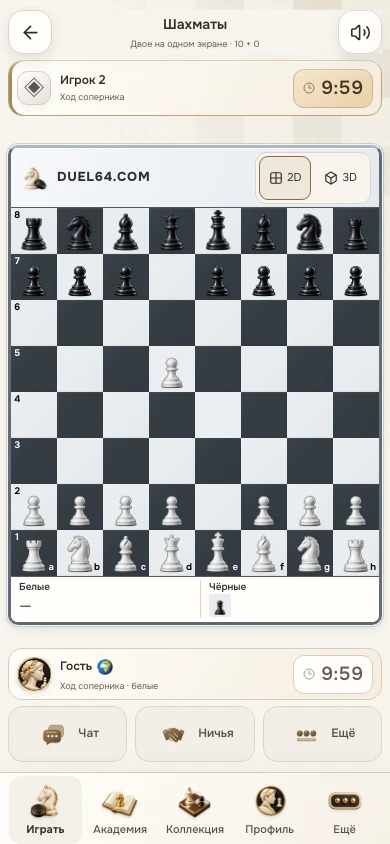
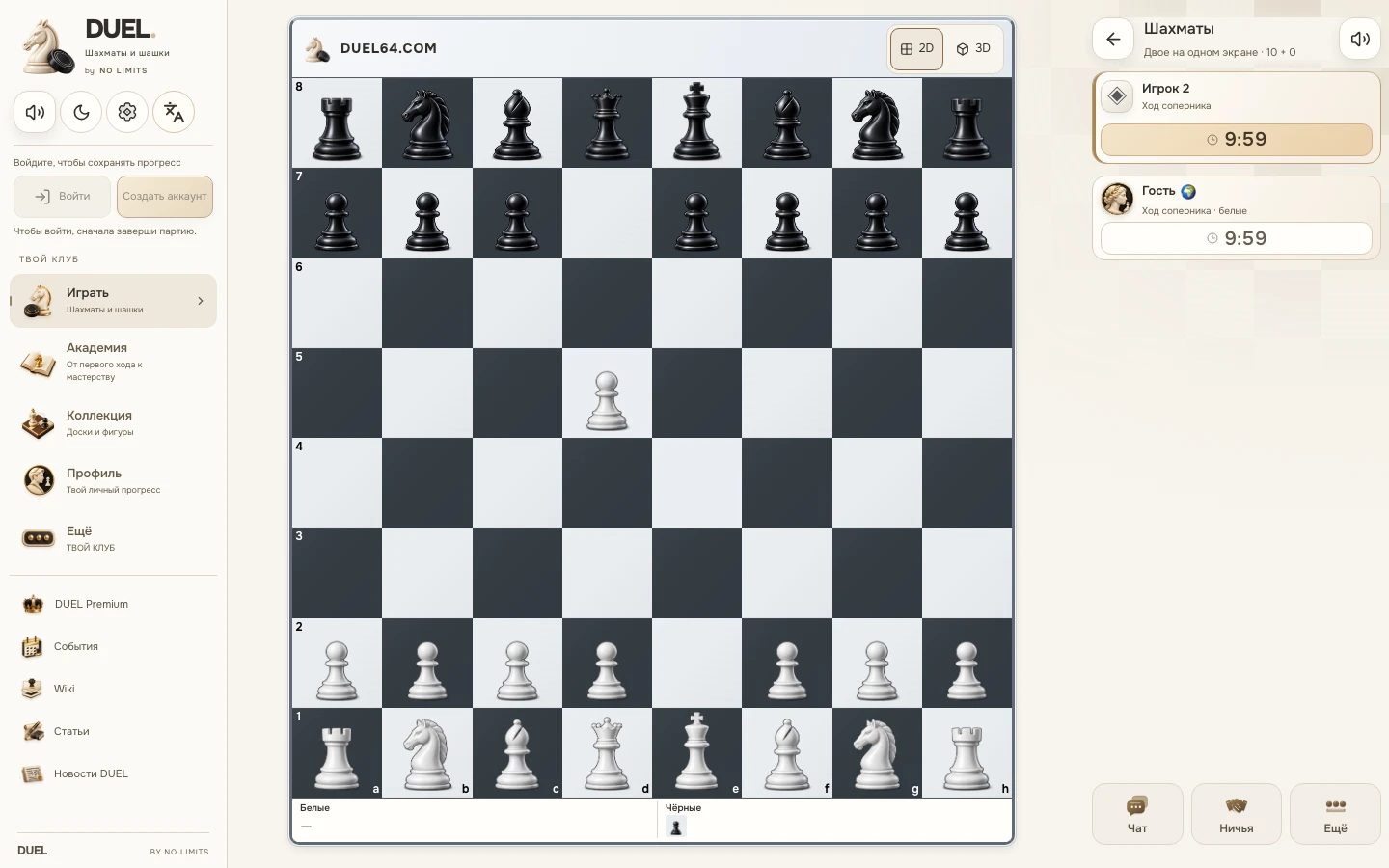
More room for the board on a smaller screen
The board needs room to play, with clocks and controls easy to find nearby. DUEL 1.1.61 revised the board size and surrounding layout; version 1.1.62 keeps that arrangement.
A square board in the available space
The chessboard keeps its proportions, with all 64 squares remaining square. On a narrow screen it uses the available width; in a wider layout its size also considers the height of the playing area. Clocks, turn information and essential controls stay nearby.
The captured-pieces strip beneath the board is included in that layout. In a short window, the page can scroll so you can reach the board and controls without one covering the other.
Phone or computer, the same game
In portrait orientation, the board remains the main focus. A wider window gives neighbouring elements more space. Resizing the window or rotating the device changes the arrangement while keeping the current position.
The screenshots below compare a real game in narrow and wide windows. They show specific window sizes and a selected theme. Different browsers, on-screen keyboards and system bars can change the space available.
Light and dark themes
Both themes share the structure of the playing screen. White and black piece images, the group labels beneath the board and the controls keep their meaning when you change the appearance.
The regular 2D board remains the initial view. You can enable Atelier 3D separately, with its own angle and settings. To check the fit on your screen, start with the familiar 2D view and see whether selecting squares and reading the clocks feels comfortable.
Try it on your screen
Open chess, make a few moves, and rotate your phone or resize the window. Check the board edges, clocks and captured-pieces row. Then return to the home screen while saving the local game, and use the resume button to continue.
If an element falls outside the available space, report the window size, browser and device orientation. That example helps us check a specific layout without guessing the phone model.