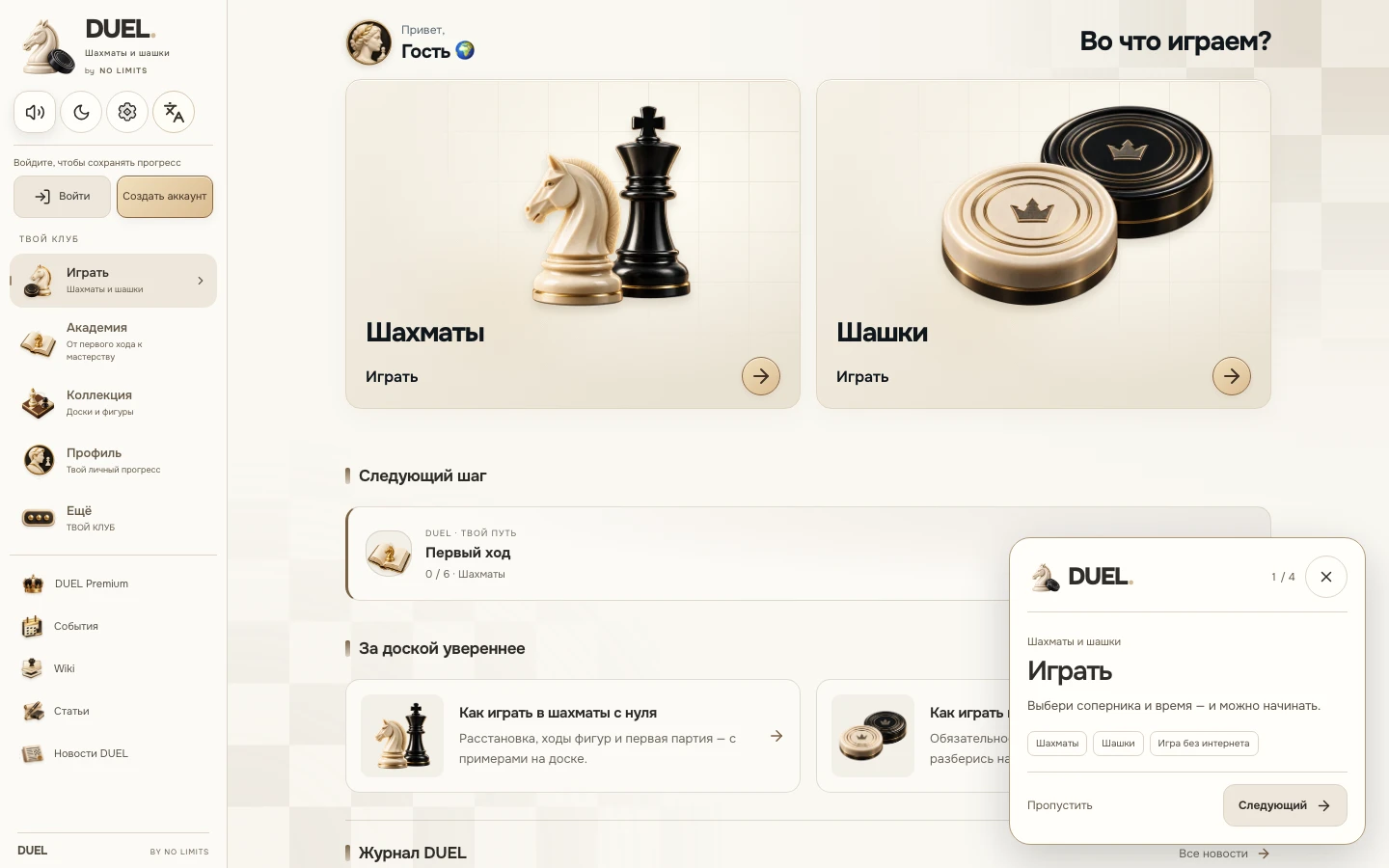
DUEL 1.1.62: browser, Telegram, Itch and GameJolt
On 17 November, DUEL 1.1.62 reached the web version and three platforms already open to players: Telegram, Itch and GameJolt. Each offers chess, draughts and the updated playing screen with captured chess pieces beneath the board.
Four places to open the game
On a computer or phone, start at duel64.com. In Telegram, open @DUEL64GameBot and launch the Mini App. Itch and GameJolt host the free browser version, so that way of playing needs no installer.
The links below lead to published DUEL pages. Choose a platform you find convenient and begin with a local game or an available online mode.
A familiar board and shared rules
The platforms provide different ways to open DUEL, while the rules of chess and draughts stay the same. Online matches use a shared game server; players can meet through the online modes available to their supported clients.
This release keeps the changes from 1.1.61: a square board sized for the available window, clocks and controls nearby, and two groups of captured chess pieces beneath it. Separate journal articles explain those changes.
Start as a guest, save what matters to your account
You can choose guest mode to try the game. Verified results and saved learning progress need your own DUEL account. Available sign-in methods depend on the platform and its configuration.
Guest games and platform sign-in have their own saving boundaries. Before switching to another browser or app, check that you are in the right account and that the result you need has been saved. A matching player name alone does not transfer a guest session.
The updated client on your next visit
Finish your current game and open DUEL again to receive the published client. The update does not require a forced board reload in the middle of a game.
This note covers the browser versions listed here. Mobile store builds have their own release and testing process. New platforms join the public list after they are actually published.